Introduction
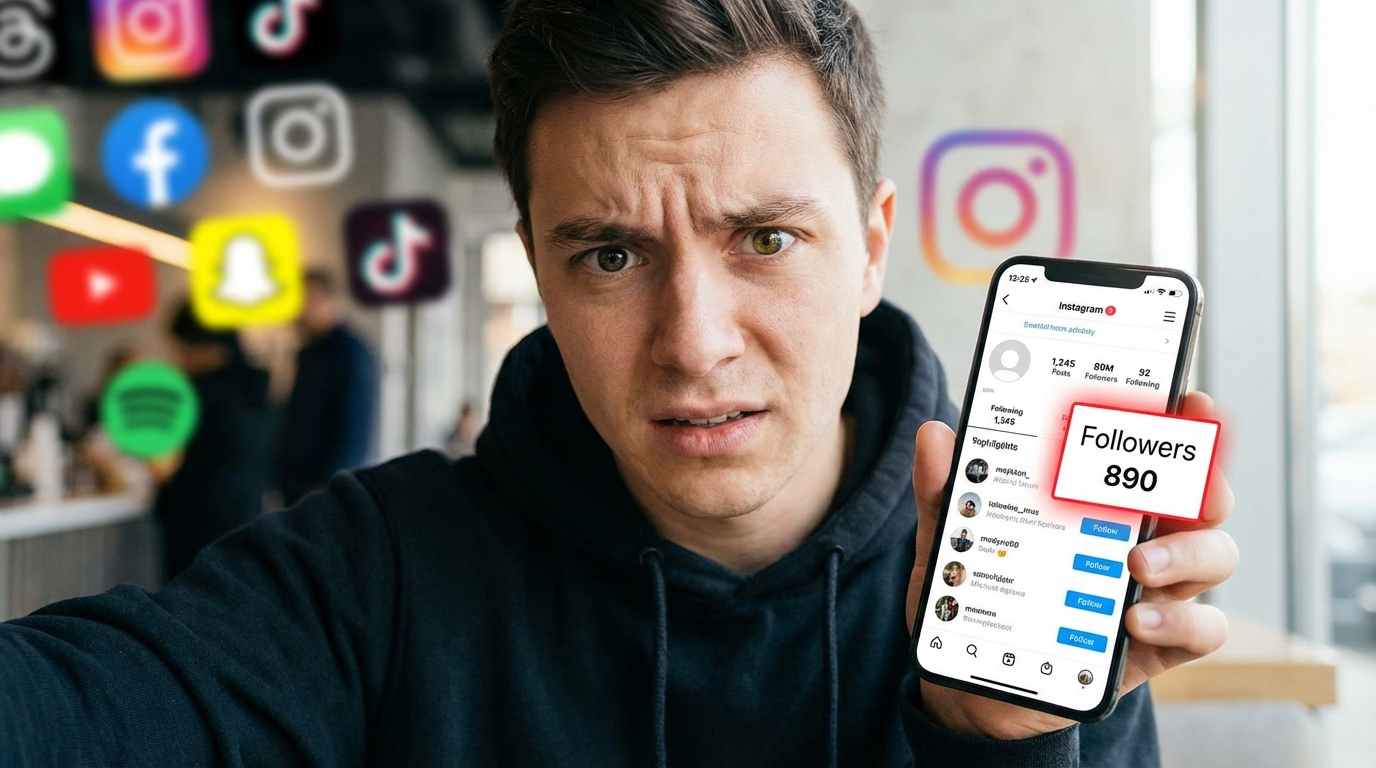
If you’re active on Instagram, you’ve probably wondered at some point: Who isn’t following me back? Whether you're managing a personal account, building a brand, or growing a business profile, knowing your followers and non-followers can help you maintain a balanced and engaged audience.
This guide will walk you through everything you need to know—from manual methods to third-party tools, so you can easily identify who doesn’t follow you back on Instagram. Let’s break it down step by step.
Why It Matters to Know Who Doesn’t Follow You Back
Before diving into the “how,” it’s important to understand the “why.” Knowing who doesn’t follow you back can help you:
Maintain a cleaner follower list
Improve engagement rates
Avoid one-sided connections
Manage your social media strategy more effectively
Build a more authentic audience
For influencers and businesses, this can directly impact visibility and credibility.
Method 1: Manually Check Non-Followers on Instagram
The most straightforward (but time-consuming) way is to check manually.
Step-by-Step Process
Open the Instagram app
Go to your profile
Tap on “Following.”
Select a user you suspect
Visit their profile
Tap “Following” on their profile
Search your username
If your name doesn’t appear, they are not following you back.
Pros
100% safe
No risk to your account
No third-party access
Cons
Method 2: Use Instagram’s “Least Interacted With” Feature
Instagram provides a built-in feature that indirectly helps identify inactive or less-engaged users.
How to Use It
Go to your profile
Tap “Following.”
Look for the “Least Interacted With” section
While this doesn’t directly show non-followers, it helps identify accounts that don’t engage with your content, many of which may not follow you back.
Method 3: Download Your Instagram Data
This is a more technical but accurate method.
Steps to Follow
Go to Instagram settings
Tap “Accounts Center.”
Select “Your Information and Permissions.”
Click “Download Your Information.”
Request your data
After downloading:
Pros
Accurate and reliable
No third-party risk
Cons
Requires time and effort
Not beginner-friendly
Tips to Grow a Genuine Instagram Following
1. Create High-Quality Content
Producing quality content is vital in expanding on Instagram since it gives people the first impression when they access your profile. The posts that you make are supposed to be visually attractive, properly lit up, and related to your niche to attract and hold attention. Regularity is also significant, as posting useful and creative content consistently will build trust and motivate your audience to work with you in the long term.
2. Engage with Your Audience
Interacting with your followers will help you turn casual followers into loyal fans who will be active participants in your content. Replying to messages, commenting on them, and liking the posts of your followers implies that you appreciate their presence and is related to stronger relationships. The reaction also informs the Instagram algorithm that your content is interesting, and this may enhance your reach and visibility.
3. Use Hashtags Wisely
The effective use of hashtags leads to a wider and more specific audience for your content that is not restricted to your followers. You do not need to use random or excessively popular hashtags; instead, concentrate on the ones that are related to your niche and the type of content you are posting. An excellent combination of trending and targeted hashtags is more likely to make your posts visible in the search and be found by interested users.
4. Post at the Right Time
To make the most of your posts, it is important to post at the right time so that your audience can see your post when they are most active and most likely to pay attention. When you share when your followers are active, your post will be able to receive prompt reactions, which stimulate its rise in the algorithm. The analysis of Instagram Insights allows you to determine the most appropriate moments to post and increase the overall level of engagement.
Final Thoughts
It can help to check who does not follow you on Instagram, but it should not be your direction. Social media success is not about equal numbers, but about the actual connection, engagement, and value.
Should you be interested in tracking non-followers, the first precaution is to use harmless ways of doing this, such as manually checking or downloading data. Third-party tools might be used, but be very careful.
A small, engaged audience is also much more valuable at the end of the day, compared to a large inactive audience.
Frequently Asked Questions (FAQs)
1. Can I see who doesn’t follow me back on Instagram directly?
No, Instagram doesn’t provide a direct feature for this. You need to check manually or use external tools.
2. Are third-party apps safe to use?
Some are safe, but many pose risks. Always read reviews and avoid sharing sensitive login details.
3. Will Instagram notify someone if I unfollow them?
No, Instagram does not notify users when you unfollow them.